

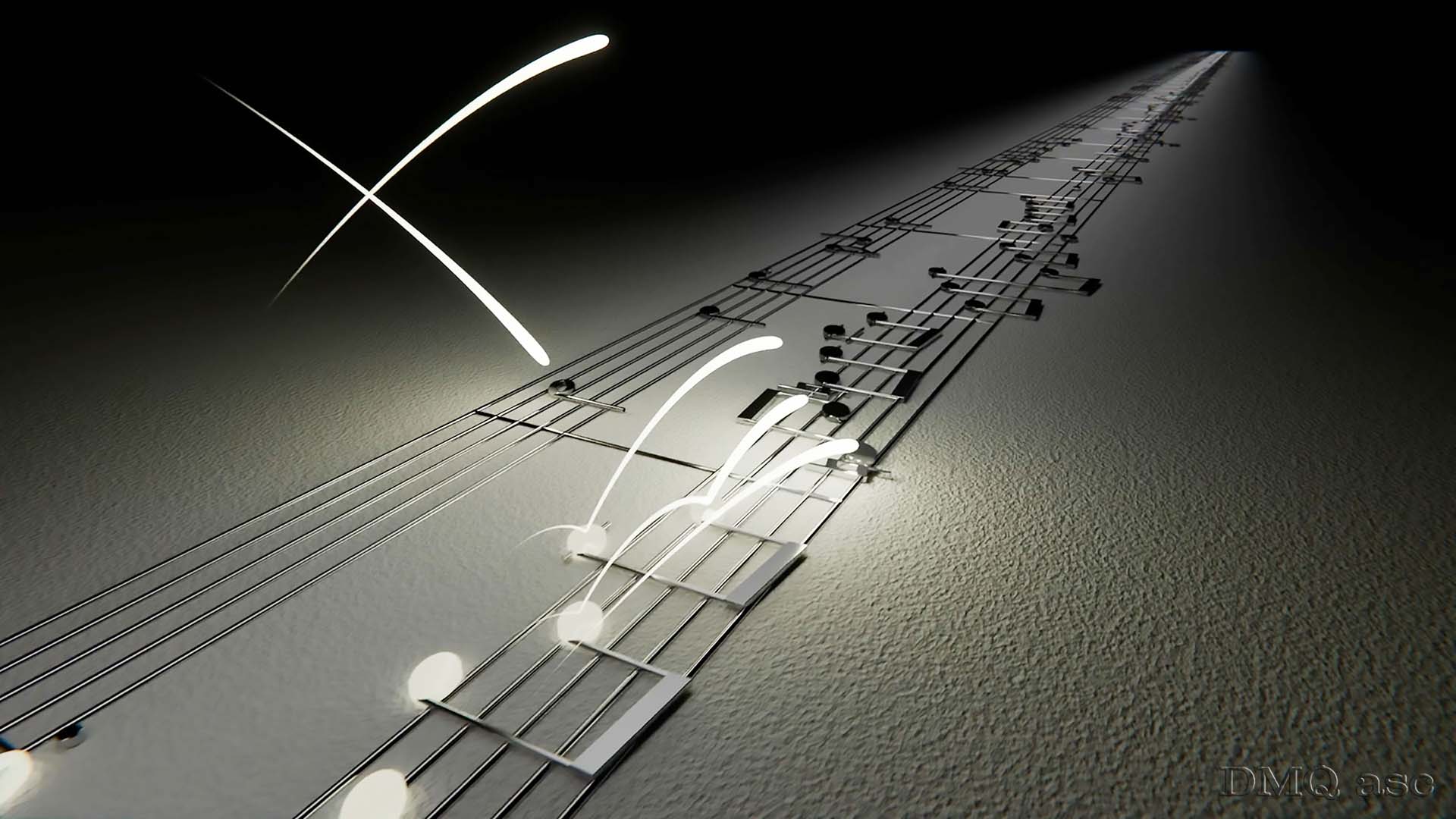
When we need to add sound effects or music in the background, the task can be both simple and enjoyable. We have a whole package of songs from the history of music at our disposal, or we can even create such music ourselves.
We can synchronize audio with visual vibrations, for example using Adobe After Effects.
But what if we wanted to see that music?
Before I begin describing this post, I would first like to thank two people.
The first is the author of the music we hear in the short animation – Manuel Espinoza. In my opinion, this is one of the most beautiful versions of this carol that I have ever heard. It is not the original version of the carol, but an arrangement of the piece by this author. A truly beautiful melody.
The second person is Asbjorn Lote, a Norwegian artist specializing in audio visualization. He is the one who drew my attention to translating music into visualization within a 3D environment. Asbjorn has a very interesting approach to music in terms of innovation and a very clear form of expression. He remotely introduced me to software such as Reason 13 and MuseScore. Thx.
Silent Night. Not “Carol of the Bells,” not “Jingle Bells,” nor any other. Just this one. Not Polish, but Austrian. This carol is one of the most recognizable melodies in the world during December holiday evenings.
The author of the poem is the Austrian priest Joseph Mohr, who wrote the text in 1816. Two years later, he showed it to his organist, Franz Gruber, who composed the musical notation, that is, the melody.
Since then, many versions and translations of this popular carol have been created both of the lyrics and the music such as the version by Manuel heard here.
Although the topic of music itself is not entirely foreign to me, translating it into a 3D version is a very enjoyable experience.
Reason 13 is a highly advanced and powerful audio tool. It allows us to create music on various instruments with different reverbs using a keyboard, or to record audio in real time from a microphone or a connected device such as the Roland FP-10, which I have been testing for some time now, and then edit it in thousands of ways. The approach to WAV vs. MP3 files here is like RAW vs. JPG in the world of graphics.
While tools like Suno (AI) can shorten the creation time, tools like Reason can make that time much more enjoyable.
The second program I tested in the process of creating this post is MuseScore. It is also a very pleasant program that allows us to compose music or transfer musical notation into various formats, including SVG, which I ultimately used in Blender.
The animation was created 1:1 according to one of Asbjorn’s ideas. In the original version, I wanted to use a blurred background from the Christmas Market in Niepołomice, for which I already had material prepared. I did not use it only so that the viewer could focus more on the animation itself and on the sense of nostalgia while listening to this melody.
Link to the original track on YouTube:
https://youtu.be/_hW8VqaLdeU?si=_42UvsHr3OAqDirv
In the future, I will try to use materials created in Reason 13 or MuseScore, as playing the piano is very enjoyable, and I would like to physically create backing tracks for more than one animation or short film.
In this post, I allow for minor notation errors, as this is a new environment for me and I am not able to catch or hear some sounds, for which I apologize in advance.
In summary:
MERRY CHRISTMAS!!!
Let us enjoy the moment in the warmth of our families.
The selected graphics illustrate my skills in transforming and applying audio-visual effects to a person, object, or landscape based on the original soundtrack. The final result is subjective and covers a specific time range. Each of us perceives things differently, and each of us has a different time scope or set of skills. Periodically published posts with a specific thematic project aim to systematically gather materials that showcase graphic possibilities.
Enjoy watching!