
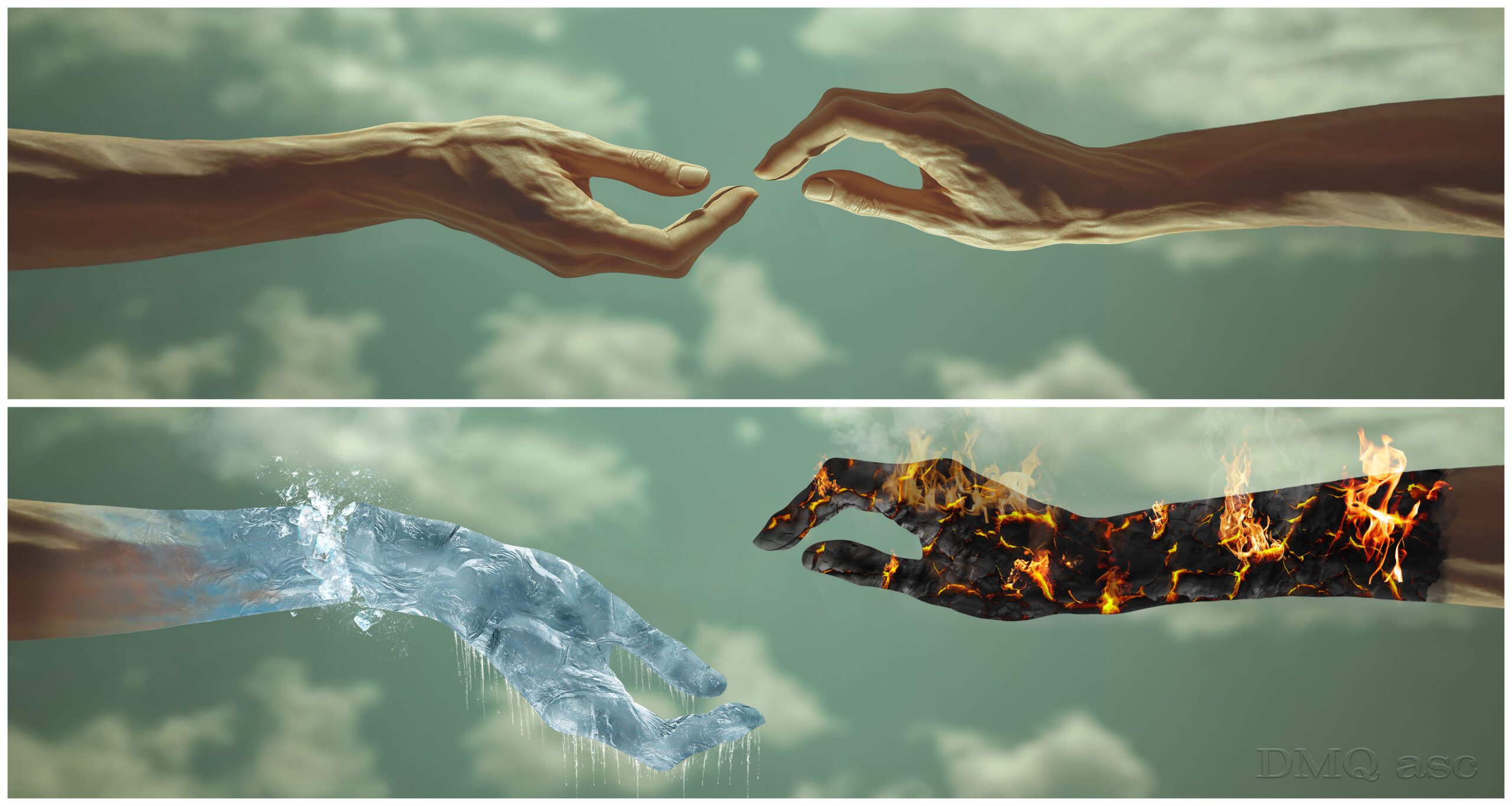
In this post, I explored the topic of complete material modification at extremely low and high temperatures. One graphic features a hand fully frozen to the point of transparent ice, while another depicts a hand entirely engulfed in flames emerging from cracked skin.
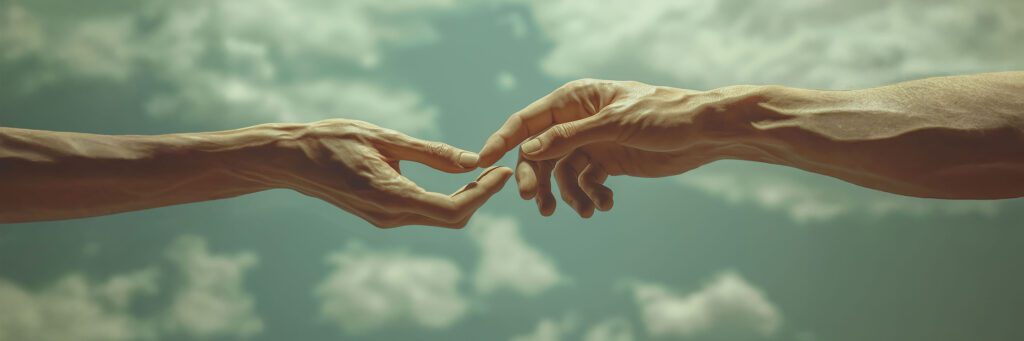
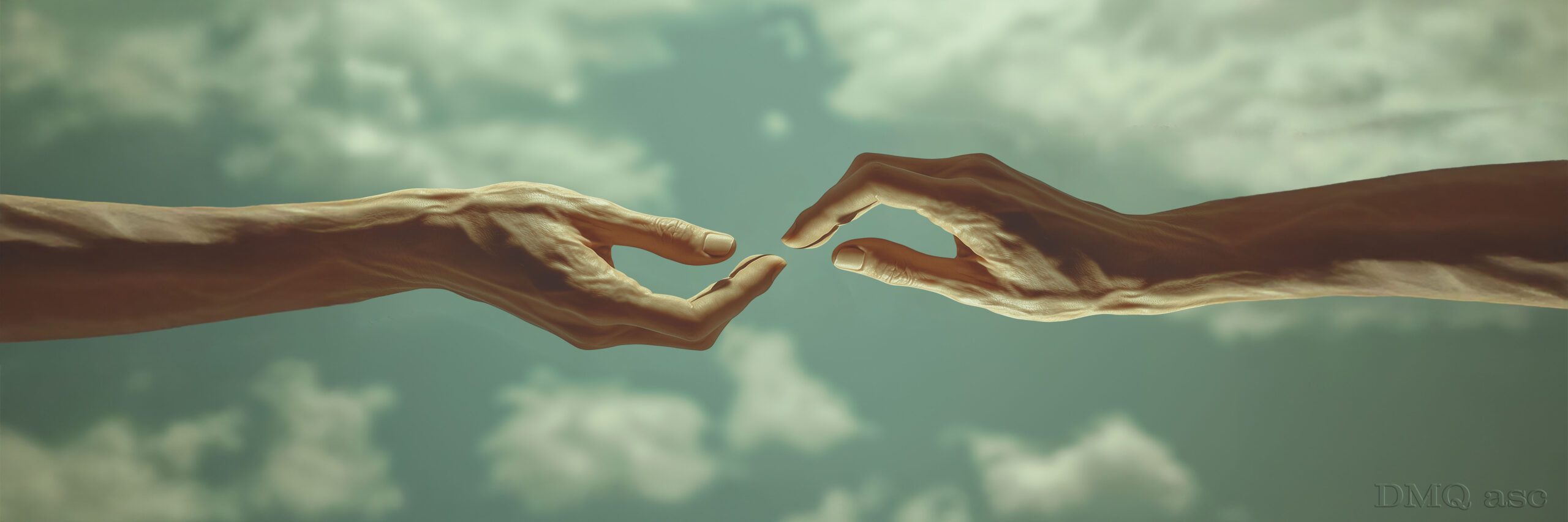
My test material was a fully AI-generated male hand created in Midjourney. I could have taken a photo of a real hand, but I wanted to test how AI handles the depiction of hands—and, well, it doesn’t do it too well yet, much like with text, where there are still significant shortcomings. (At the bottom, there’s a very similar hand image… but with six fingers.)
This post was created using Photoshop (Ps) and Midjourney (Mid).
The post can symbolize the contrast and power of natural elements or even resemble Michelangelo’s fresco. The interpretation is open-ended.
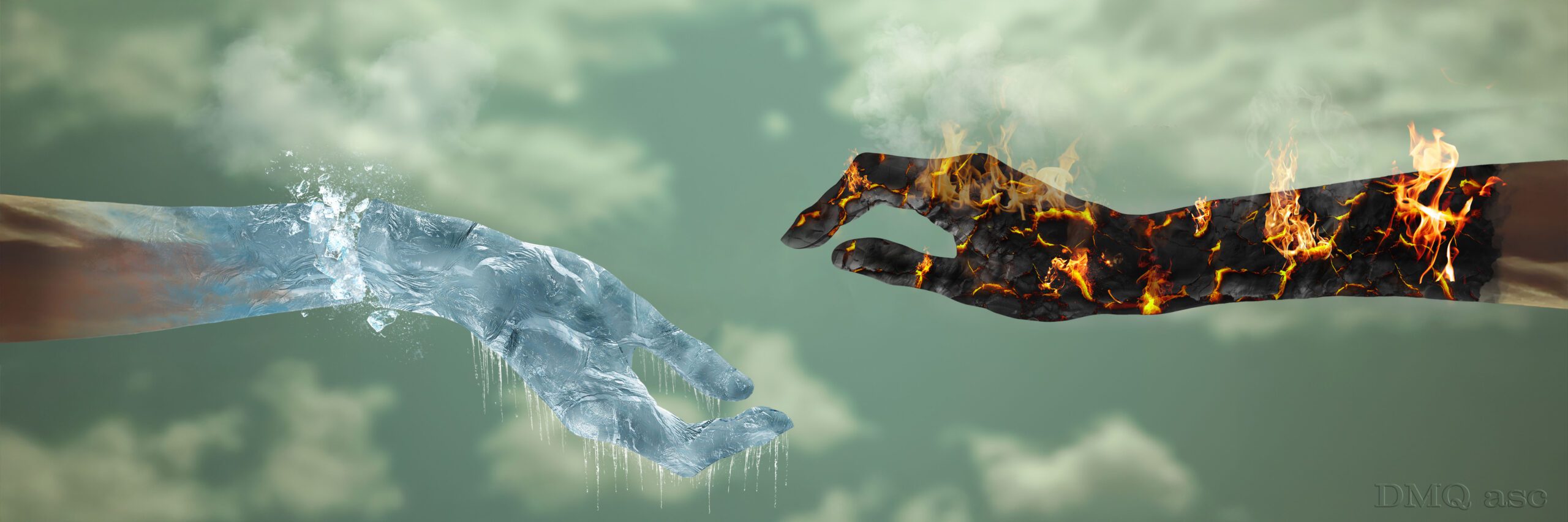
Short description of how the frozen hand was created:
- The skin was given a cool tone blue and a chrome imitation filter was applied in Screen Mode with shadows reduced.
- On a separate layer, after desaturation, a frosted glass effect was applied in Overlay Mode and inverted.
- Another layer featured a texture of turbulent water (or ice), desaturated and adjusted for shadows and highlights using Multiply Mode.
- Three layers received transition effects using soft, snow- or explosion-like brushes.
- The hand was split into two layers, one simulating skin and bones for added depth.
- Crushed ice layers were placed between the two hand layers, with color correction applied through blending.
- Additional ice elements were sourced from external photos and blended similarly.
- The entire composition was color-adjusted using specific effects and brushes.
- Water vapor was added above the hand using an external file to simulate smoke.
Short description of how the flaming hand was created:
- The burning section of the hand was desaturated.
- The primary texture for the cracks was an image of cracked earth or another dried material, blended in Multiply Mode to emphasize tonal differences. Dark areas were meant to radiate fire.
- The cracked-earth texture was divided into light and dark zones using automatic selection in RGB channels, then assigned a Gradient Map transitioning from black to red, yellow, and white. Placed within the channel selection, the Screen Mode automatically created a fire effect in the dark cracks.
- The selection map was inverted, reducing dark colors.
- Fire areas were manually refined using a graphics tablet brush for realism and precision.
- Flames were added from external files with appropriate blending.
- Smoke and sparks were layered above the hand from external sources.
- Cracked areas were given a glow effect using a red brush in Linear Dodge Mode.
- The hand’s edges were brightened using the Dodge Tool, while the center was darkened with the Burn Tool for a 3D effect.
The ice effect and crack filling technique are highly versatile. In ice, we aim for a crystal-clear white consistency with a slight blue tint, allowing a faint view through the material. In cracked skin, a Gradient Map cleverly assigns specific colors to light and dark areas, creating a striking visual effect.
The selected graphics showcase my ability to alter and enhance the visual appearance of people, objects, or landscapes while maintaining the original base. The final effect is subjective and represents a specific timeframe. Each of us perceives things differently and has different time constraints and skill levels. Regularly published posts featuring thematic projects aim to systematically gather materials illustrating graphic capabilities.
Enjoy watching! 👀