
You say vector, you think Illustrator. You say raster, you think Photoshop.
Every day I open programs like Photoshop or Illustrator for 2D graphics, Premiere or After Effects (AE) for video work, and Blender for 3D graphics dozens of times. Yet despite all that, vector graphics remain my absolute favorite form of graphic design.
At the beginning, I would like to thank a person who shares their sourced ideas on their YouTube and Facebook channels, significantly contributing to raising the quality of work created in this program and clearly demonstrating a great passion for vector graphics. Thank you, Go Graphic Savvy.
Getting back to the topic: the difference between graphic types is substantial.
Raster graphics refer to small square pixels, the more there are, the more detailed the image becomes, and consequently, the larger the file size. However, when enlarging the image, those squares gradually become visible, which results in a loss of quality.
Vector graphics, on the other hand, are based on curves and the control points between them. A curve like one drawn with a thin pen has no thickness and can be scaled without any loss of quality. The curve itself, as well as the shape defined by it, can be edited freely, allowing us to create a specific image that maintains a very small file size.
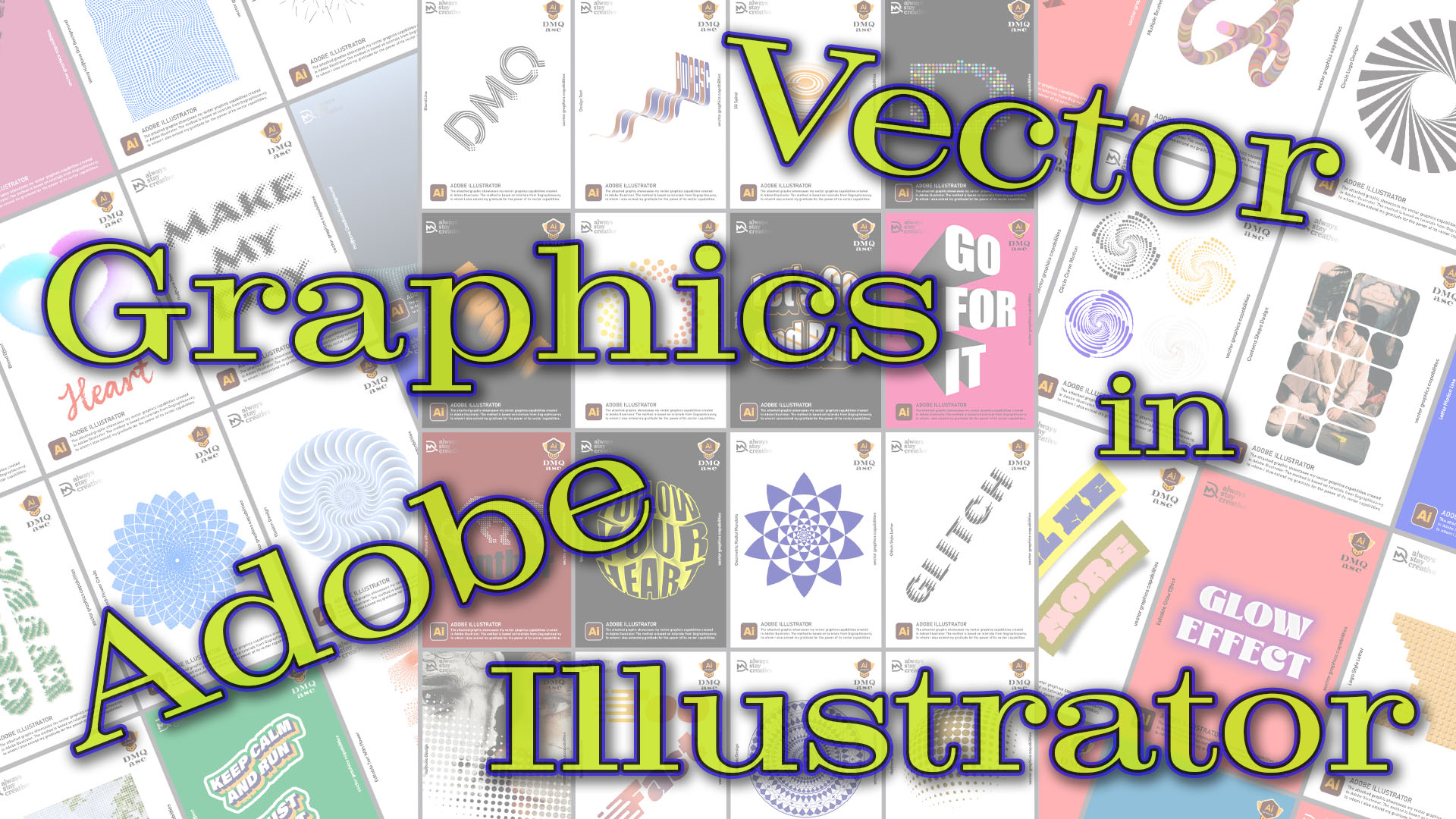
In this post, I created 50 selected graphics, mostly following the instructions of a fellow designer, 48 of which were chosen with the intention of placing them into a video animation.
All graphics were created in Adobe Illustrator, which in my opinion is the leading software in this field. In most cases, these designs remain fully editable, allowing me to reuse components in future projects. The saved styles can also be used for vector animation in After Effects.
I imported the graphics into AE to present them in an animation, which ultimately became a carousel, a series of graphics rotating in a circular motion, pausing briefly to allow each one to be viewed individually.
After Effects allows for various special effects, such as the animated text I placed at the beginning and end, as well as additional visual effects like reflections of each graphic on the surface.
The music was created in Suno.
The work I did here was a great pleasure for me. Besides my passion for vector graphics, I also wanted to build my own base of semi-finished assets, something there is not always time to collect. Like most designers, we look for inspiration from others, and in this case, I stayed with it a bit longer. I also don’t rule out creating another edition of this graphic project in the future, perhaps on a different medium.
For you, this also serves as a compendium of interesting graphics that may find application in future projects.
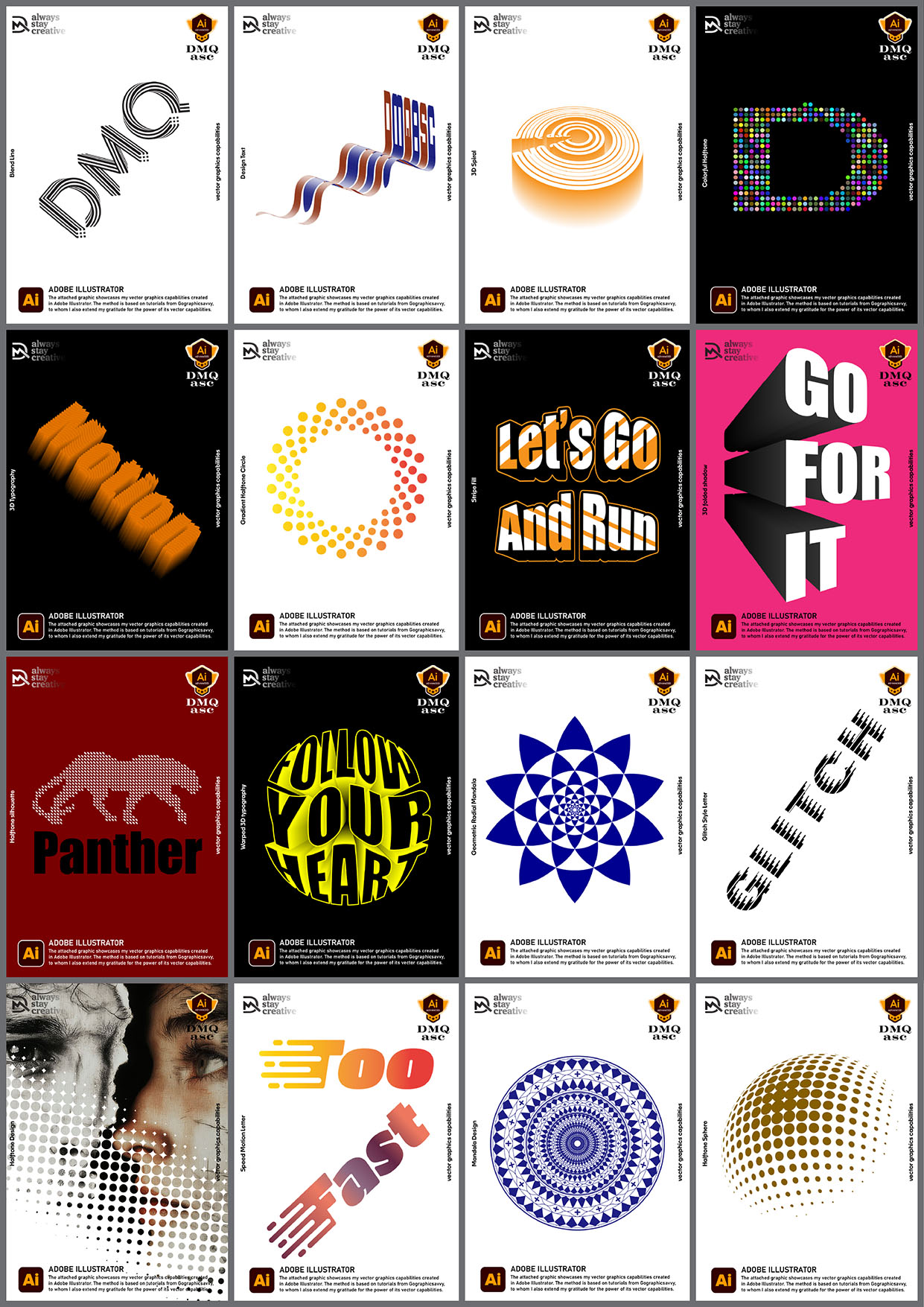
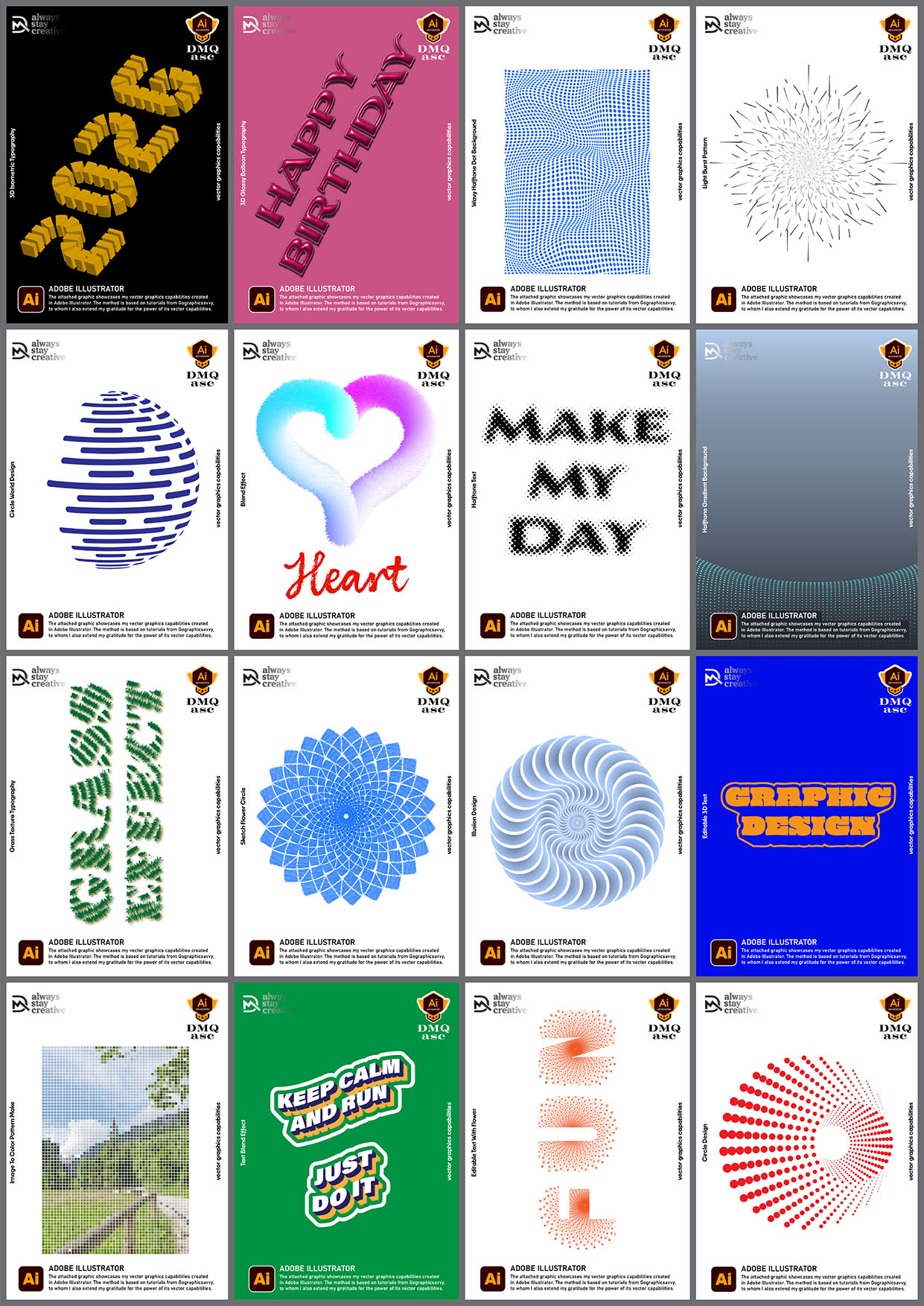
Alongside the short animation, I included all 48 graphics in three mood boards for static viewing, allowing a closer look at my vector design skills.
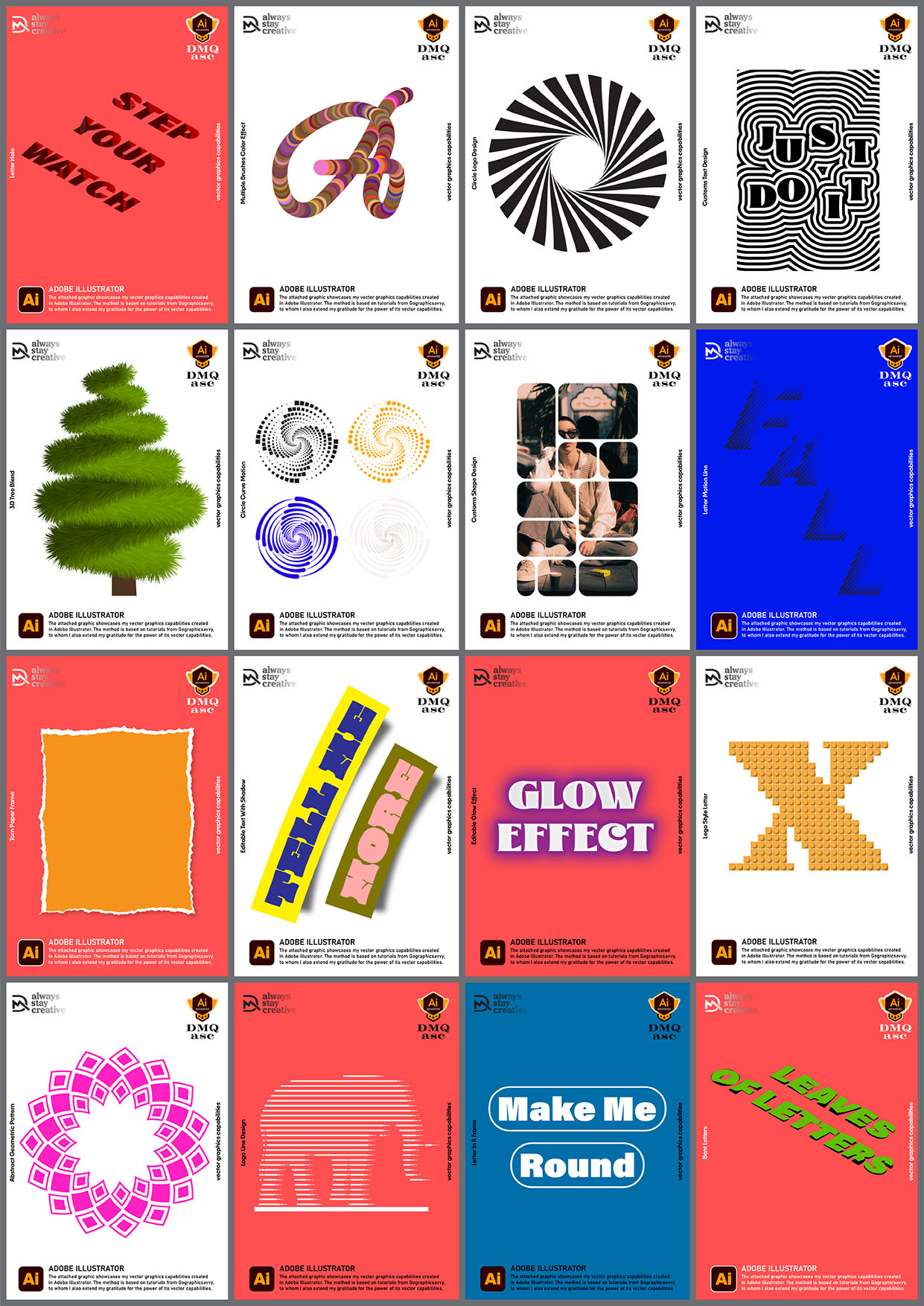
This post is also different in that Illustrator has always been a stepping stone toward a final goal for me, and I never published work focused solely on it. That is another motivation to change this in the future.
Link to the author of the graphic concept:
https://www.youtube.com/@gographicsavvy
https://www.facebook.com/gographicsavvy
Thanks again and… see you soon.
The selected graphics illustrate my ability to transform and create visual effects for a person, object, or landscape based on an original reference. The final result is subjective and limited by a given timeframe. Each of us perceives things differently, and each of us works within different time constraints and skill levels. Regularly published posts focused on specific themes aim to systematically build a collection of materials showcasing graphic capabilities.
Enjoy watching!